🎮🤖 PROGARK 🤖🎮♟️
A part of the project for TDT4240 the spring 2023
ReadMe for the project
🚩This is excatly the same as section 3 in our delivery Implementation🚩
This section contains the necessary information to install, compile and run the game.
3.1 Technical Requirements
For the game to run in a satisfying way, you need an android telephone. To run in a satisfactory way, the phone needs to have at least 2GB of RAM available and a screen size over 4.8 inches and 440 pixels per inch. The android could either be an emulation, or a physical device. You need to have installed the java SDK, Android Studio and LibGDX.
3.2 Setup
To run the game, you need to clone this Github-project, to a desired location on your computer.
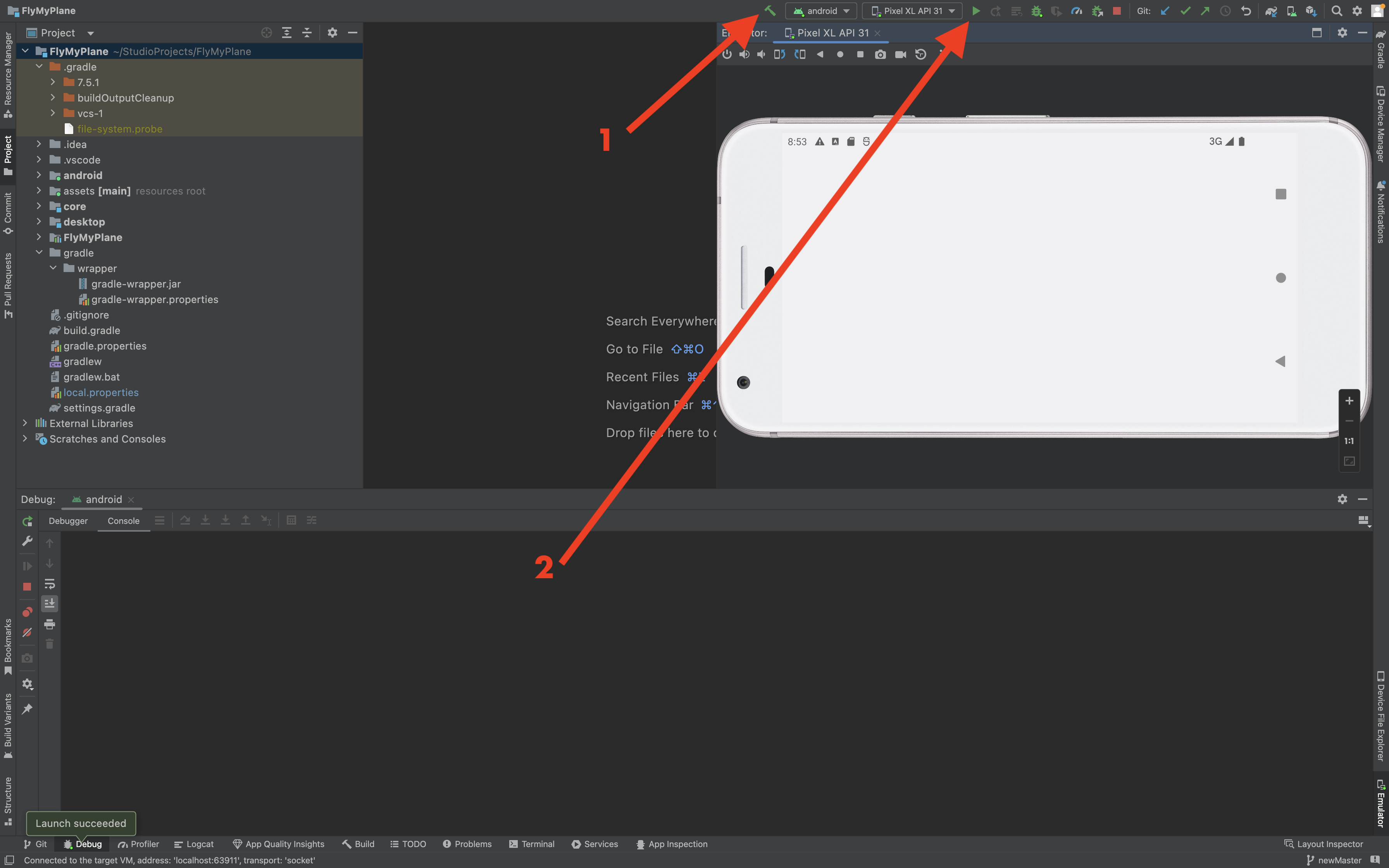
When finished cloning, you need to open the project in Android Studio. Then you either need a physical android device, or an emulator. Firstly you need to build the gradle files, by clicking the hammer beside the device selection dropdown, seen as number 1 in Picture […]. If a device is selected and finished building the gradle files, just click the green play button marked with 2 in the same Picture.
 Picture 1
3.3 How to play the game
Given that the game is now running, you can now play the game. If you did not follow the tutorial on how to run it, we can not guarantee that the game will work in a suitable way.
If you start the game for the first time, we recommend reading the tutorial in-game as well as this guide. Maybe the tutorial contains some extra tips for you to be the best pilot? ;)
 Picture 2
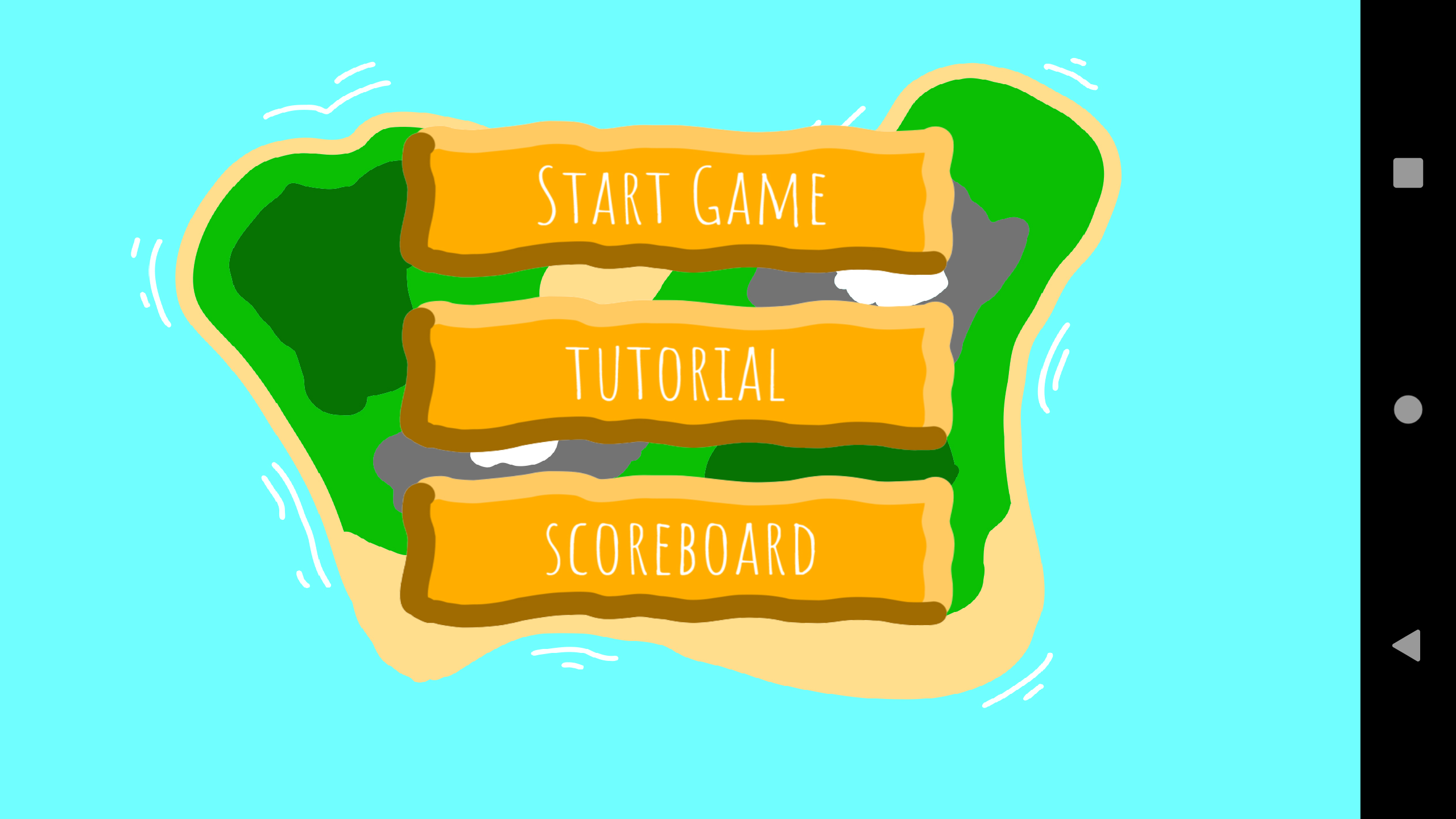
The main menu is shown in Picture 2 Here you have some choices to where to go next; to Start a new game, read the tutorial or see the Scoreboard. To begin the process to fly over the world, you would need to press the “Start Game” button. This redirected you to the Selection menu.
 Picture 3
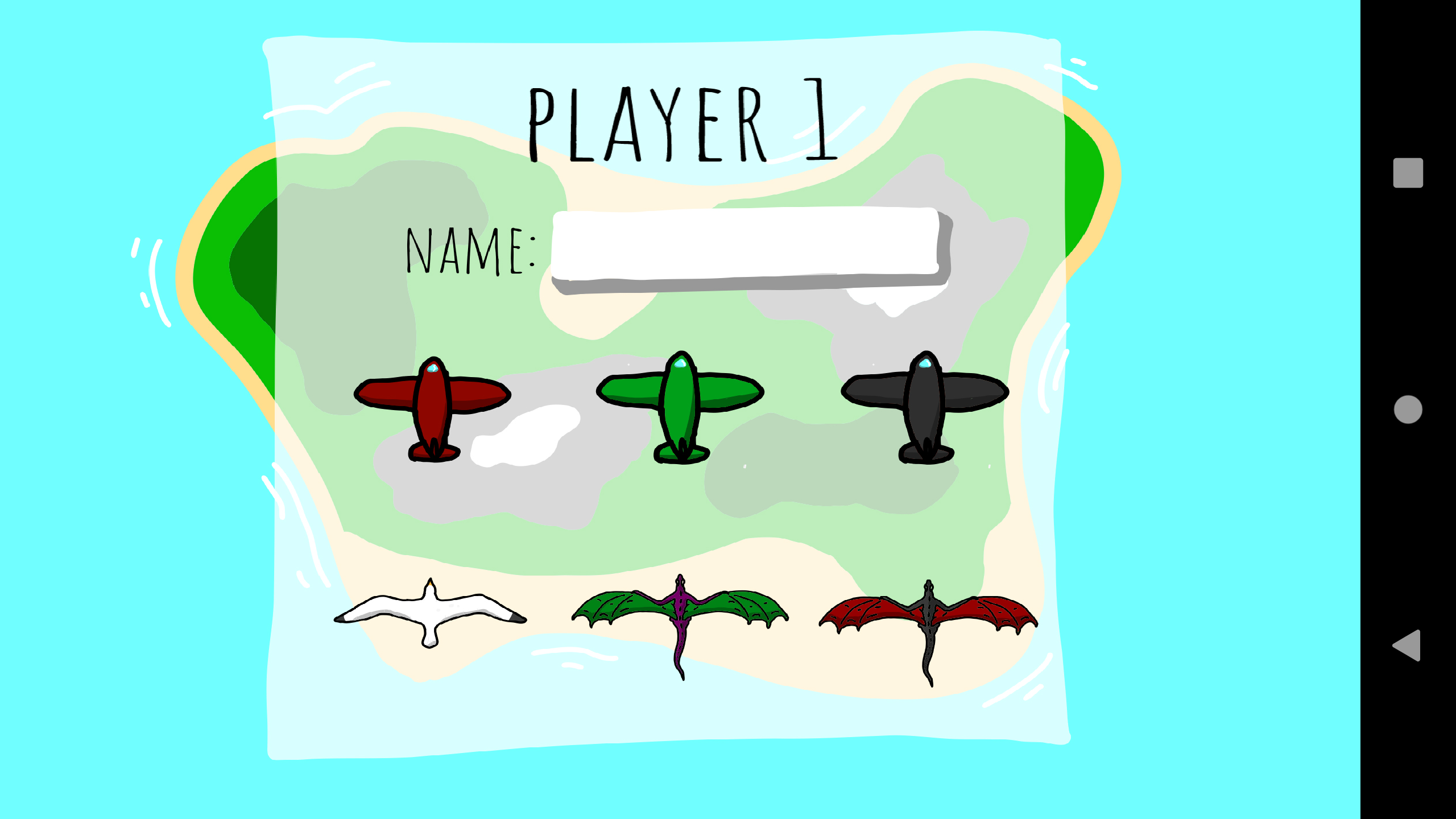
The selection menu is shown in Picture 3 You can choose the aerial vehicle, to make it your own. To start flying, you press the next button on the right side of your device, after selecting a desired name and plane. It is impossible to start a game without a name and vehicle. From there you will have the whole world at your feet (or should we say your finger tip). To turn the plane in different directions, you hold down the directional buttons in the bottom left corner of Picture . To blast a devastating fire or bullet, depending on the aerial vehicle, or need a boost, you will need to press the buttons in the bottom right corner.
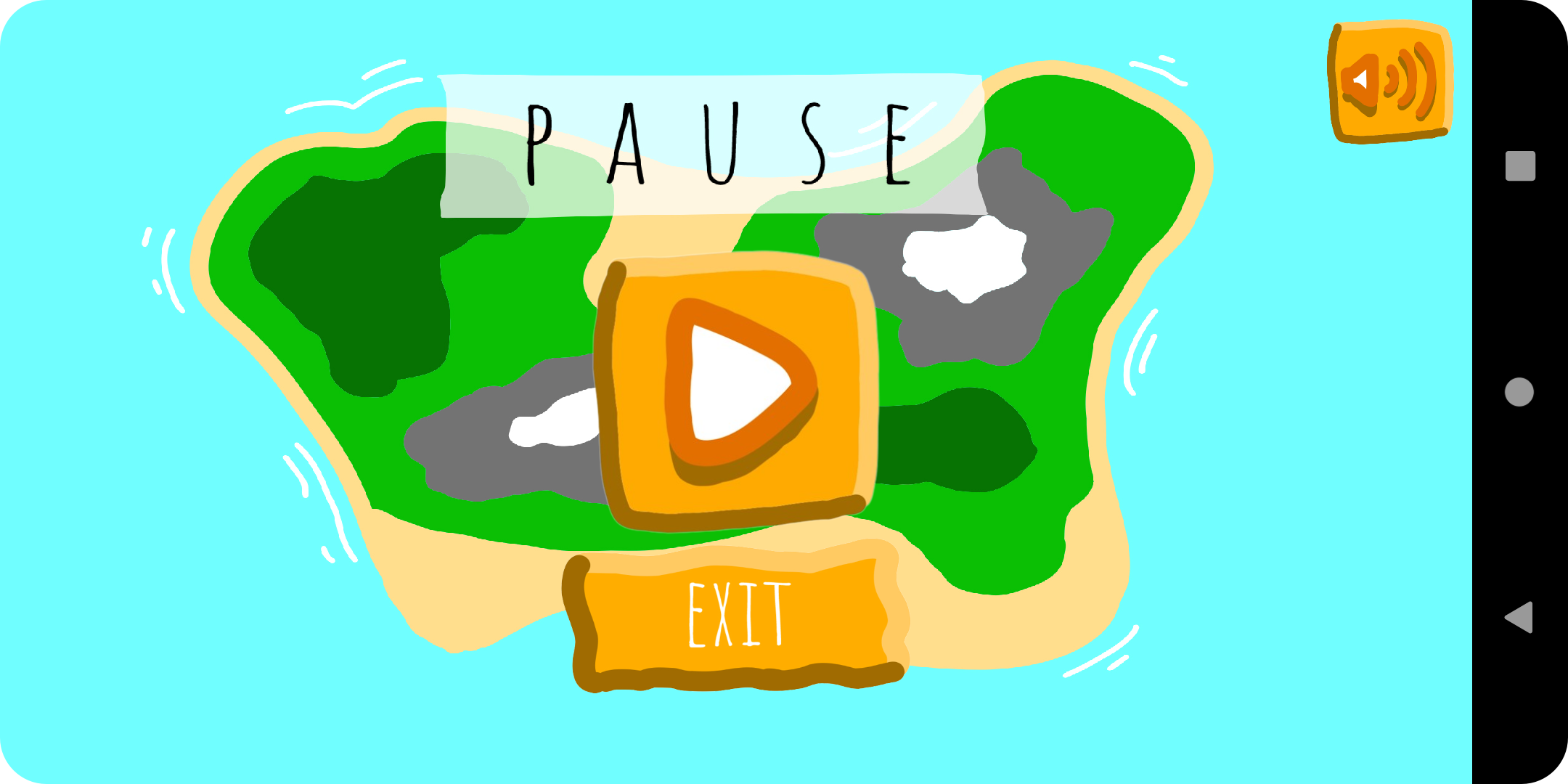
If you are exhausted after traveling for a long time and through many time zones, you can always press the pause button in the top left. From there, you can decide to evacuate the plane (also known as returning to the main menu), disable or enable the background music, or continue delivering the package to the drop zone.
 Picture 4
When it is time to return to the air, just press the continue button in the middle of the screen. After exploring the world, you have discovered the package that shall be picked up. Control the plane to pick it up, and the delivery location will be shown at the top, just as in Picture 5.
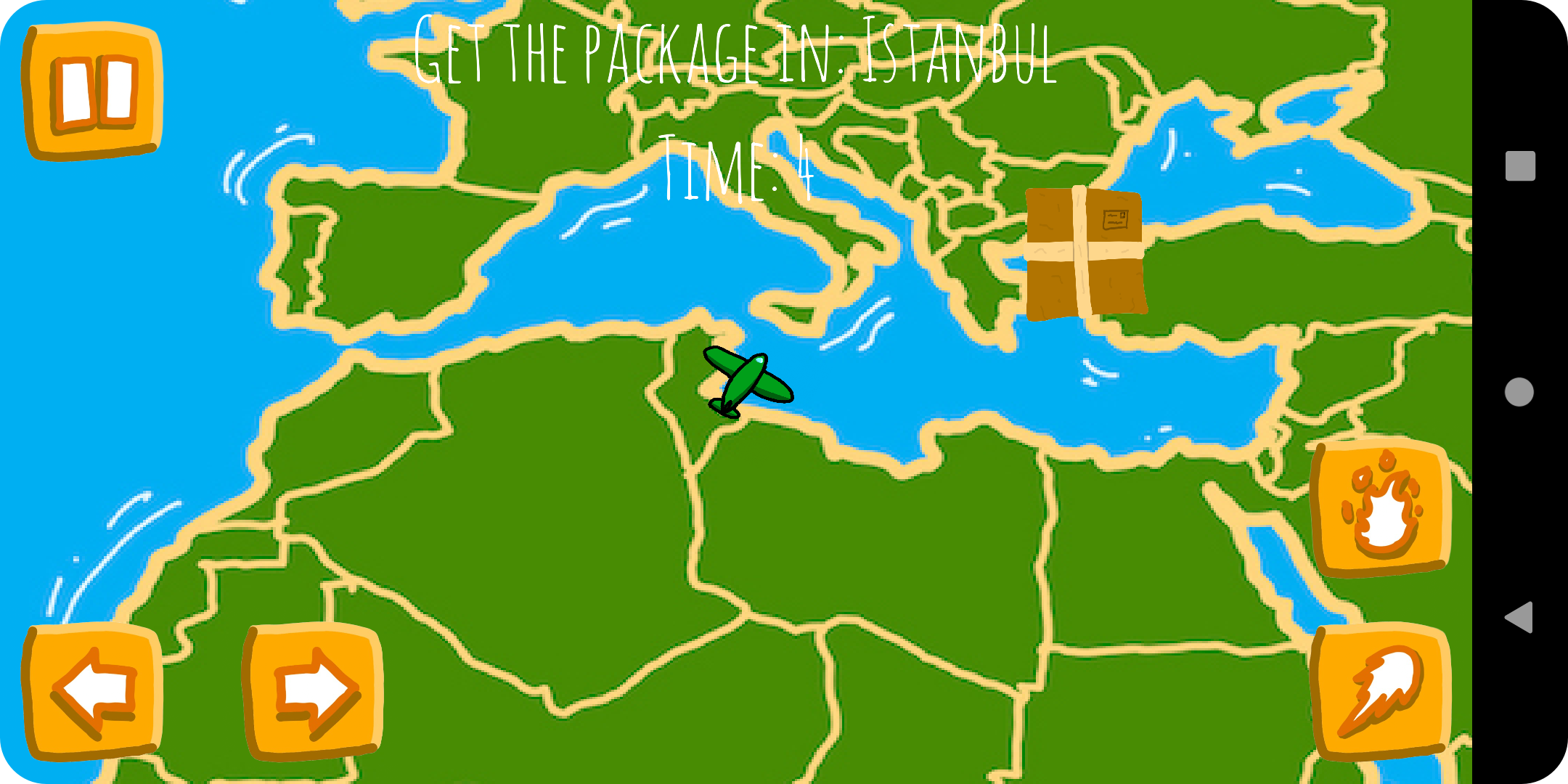 Picture 5
When the first player has managed to deliver the package, it all starts over for the second player, and when the package gets delivered for the second player, the players will see the Completion screen, shown in Picture 6. Congratulations you have become a phoenix in the air. The best score and name will automatically be saved to the database.
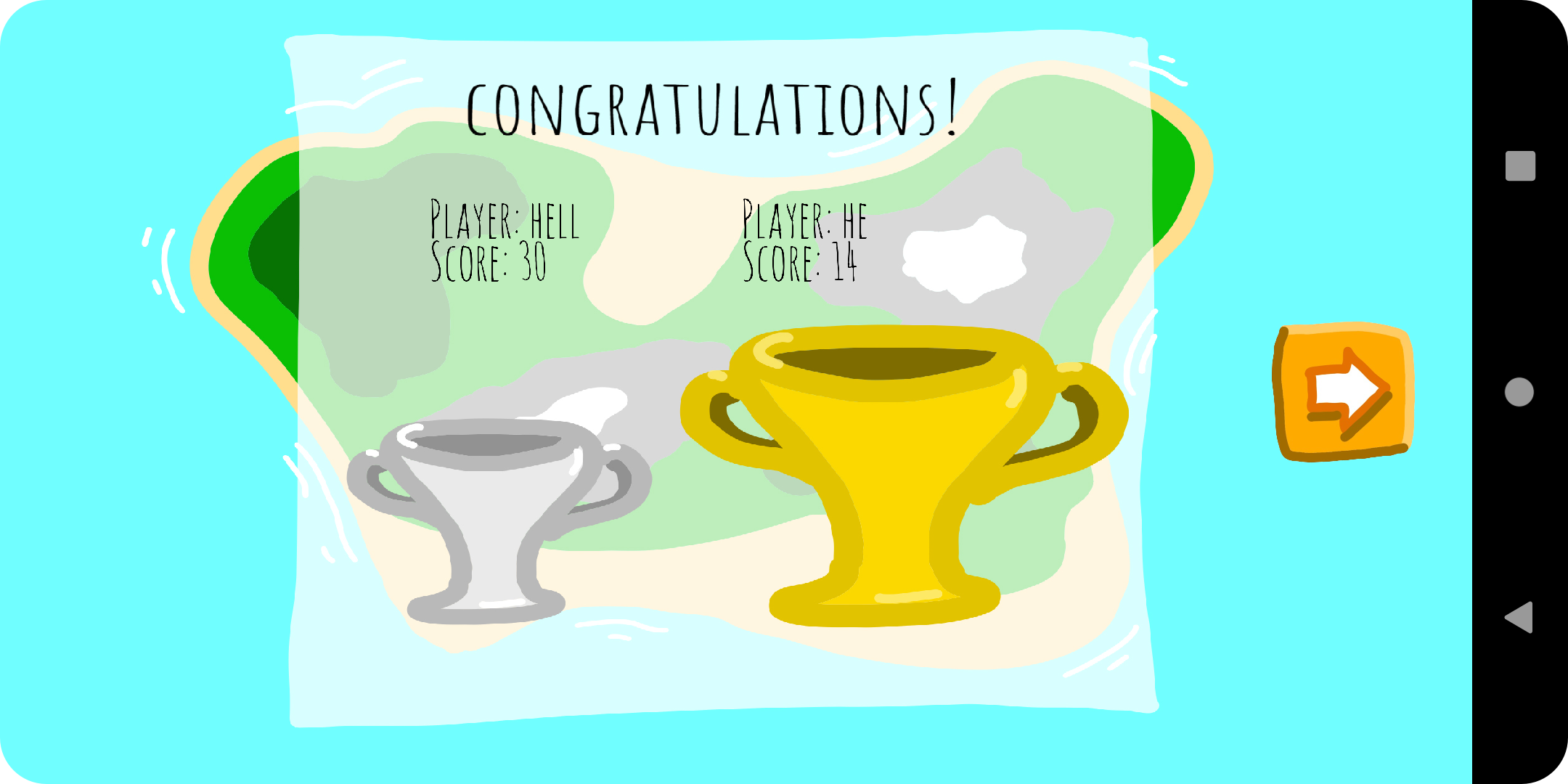 Picture 6
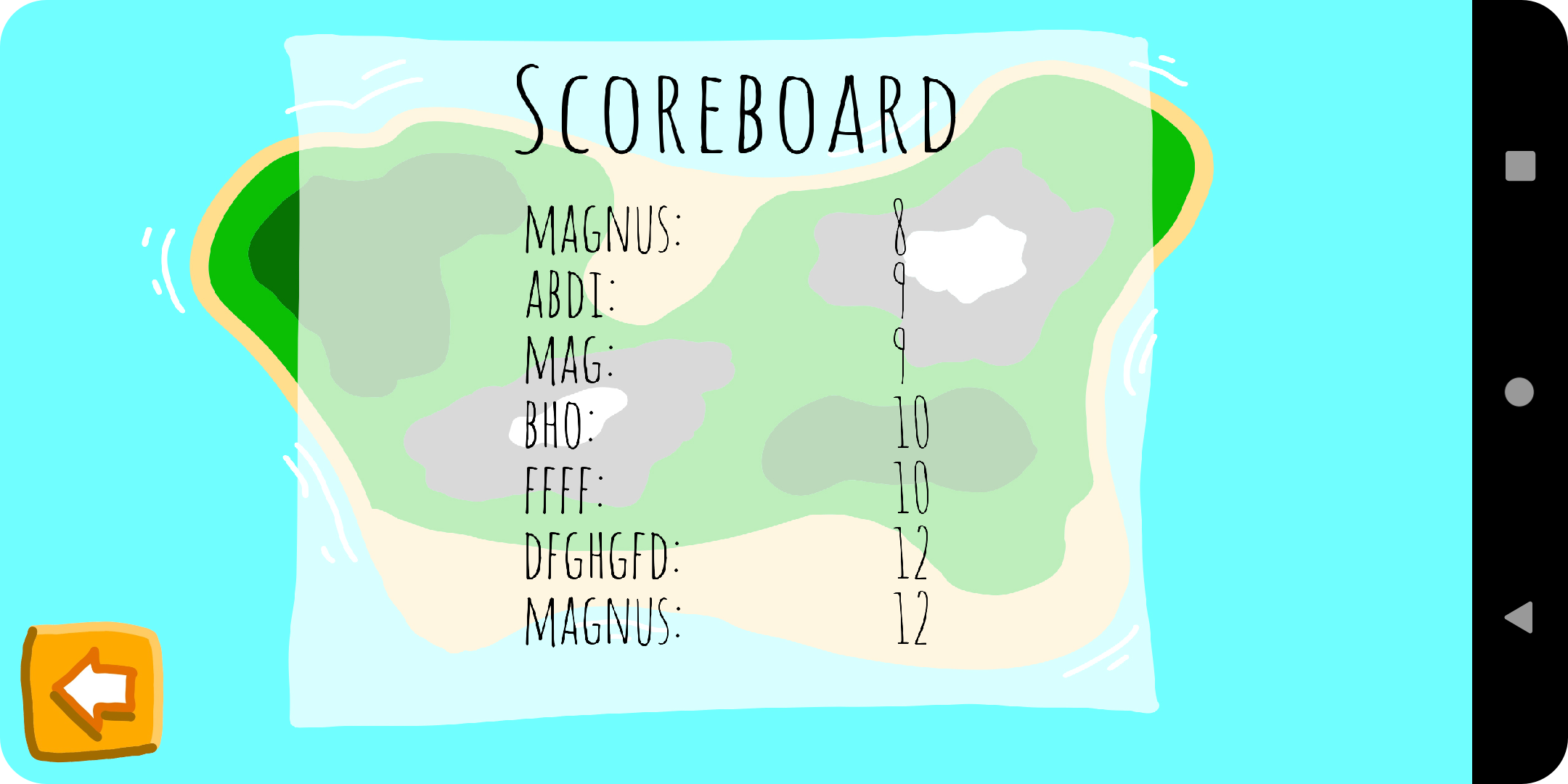 Picture 7
As previously mentioned, the game requires an internet connection to connect to the database for the scoreboard. If it doesn't have a connection, it will only display an empty scoreboard, as shown in the Picture 8.
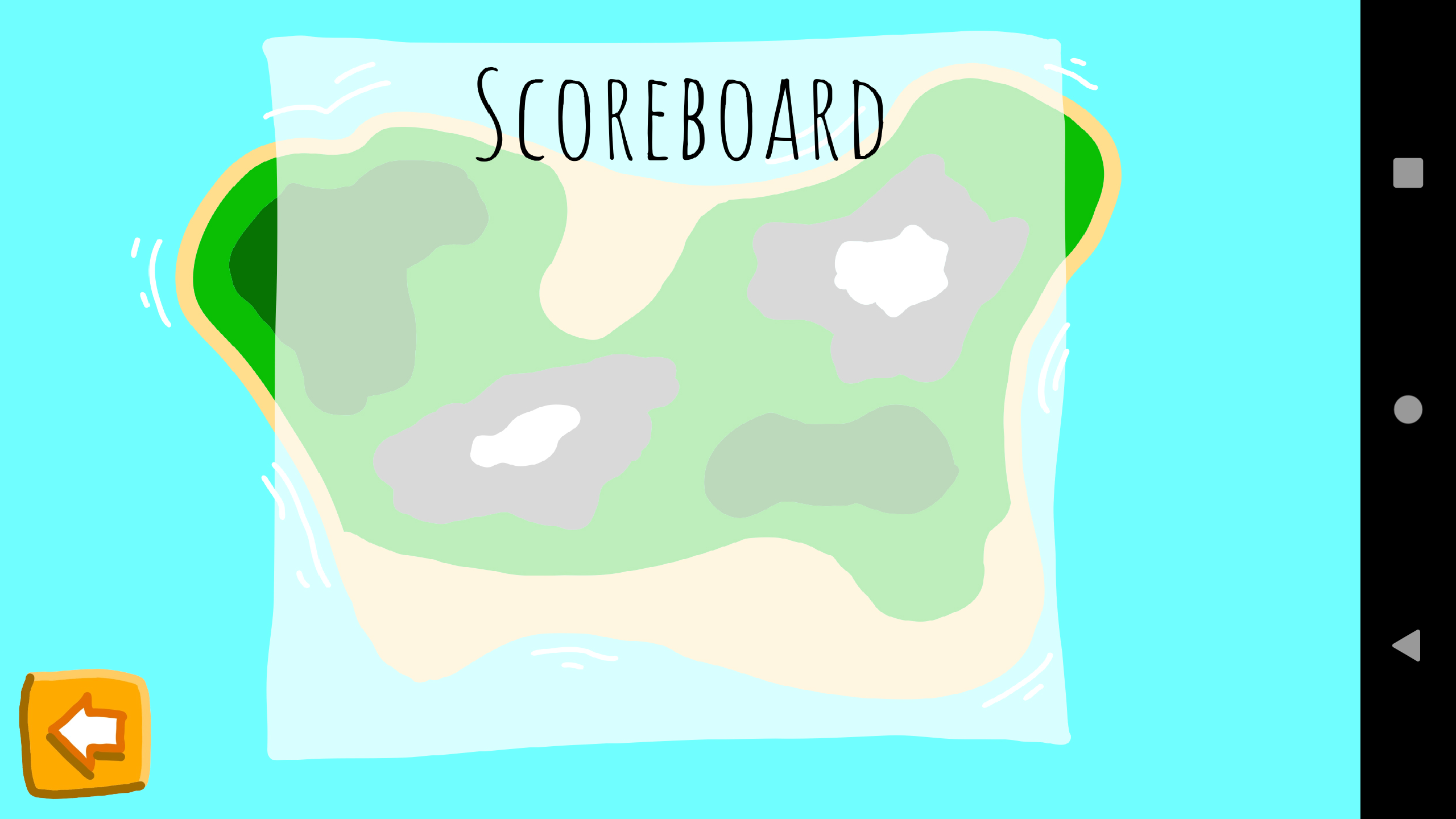 Picture 8